STEP 1
Upload
Start with a real photo. No room-type dropdown on the first screen.
Start with the photo first. After upload, choose the style, choose 1, 2, or 4 candidates per photo, and see the credit total before generation.
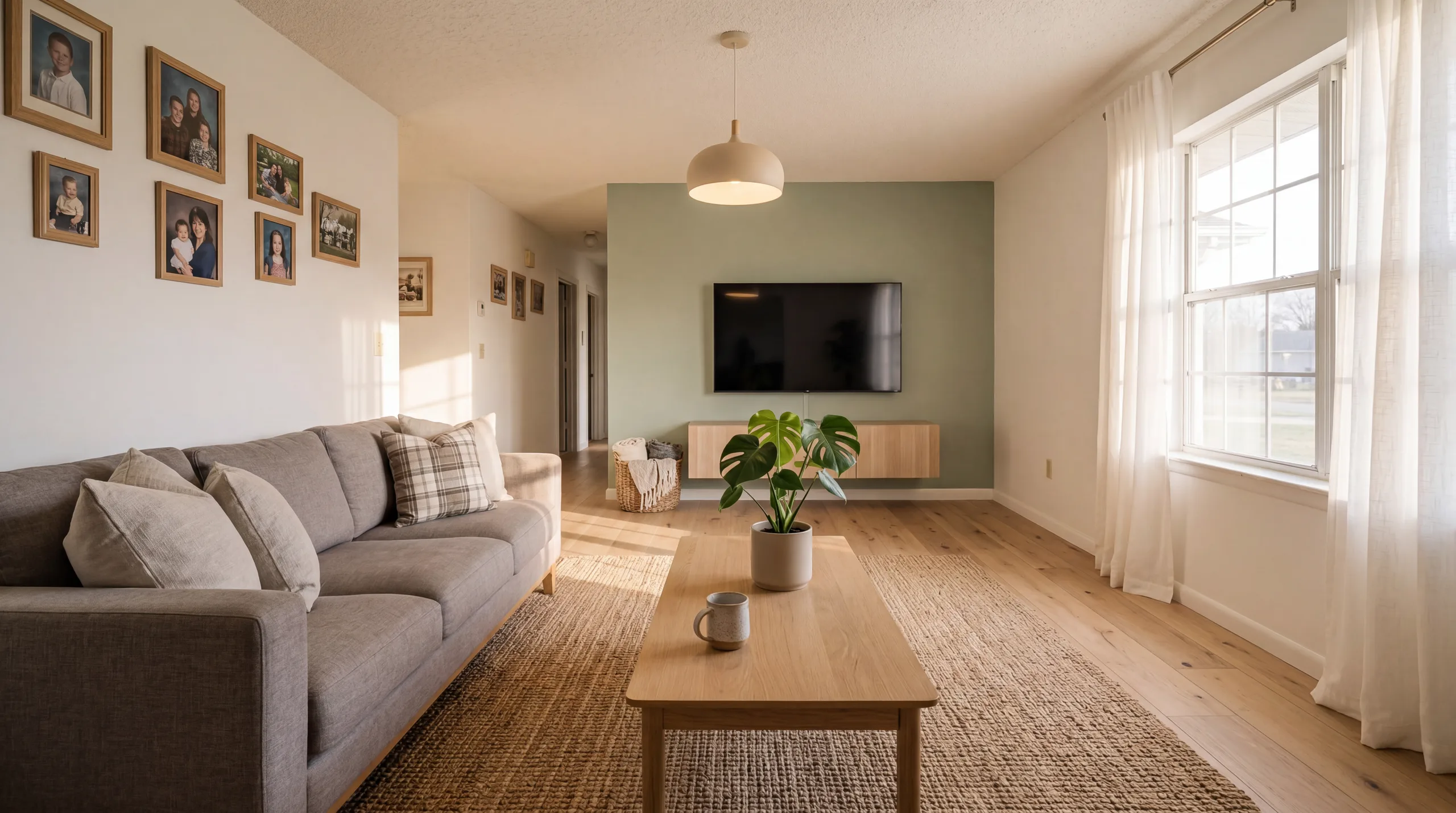
Opened the layout, softened the palette, and saved the strongest directions for review.
Start with a real photo. No room-type dropdown on the first screen.
The tool reads the scene and suggests the right interior, exterior, garden, or listing mode.
Pick a style, optional variables, and 1, 2, or 4 candidates per photo.
Save the best options, rerun another style, or export for review.
Launch examples are generated visual references. They show the intended workflow and will be replaced with permissioned user examples over time.
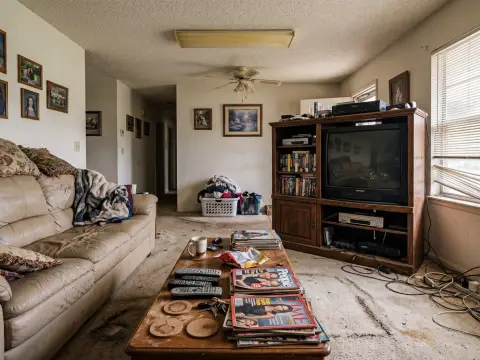
A calm, wood-forward direction that keeps the room readable while changing furniture, color, and mood.
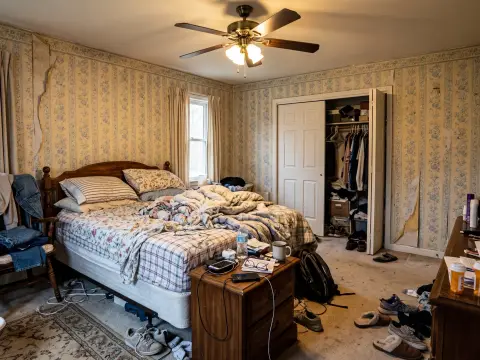
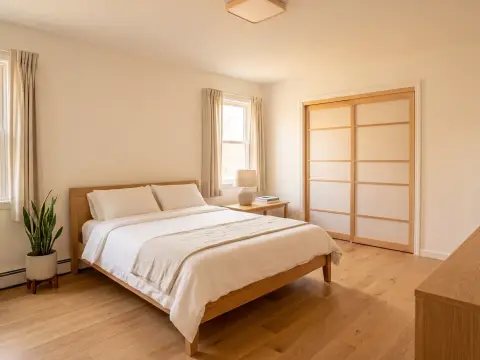
Useful when the current room has the right bones but the palette, lighting, and bedding need a direction.
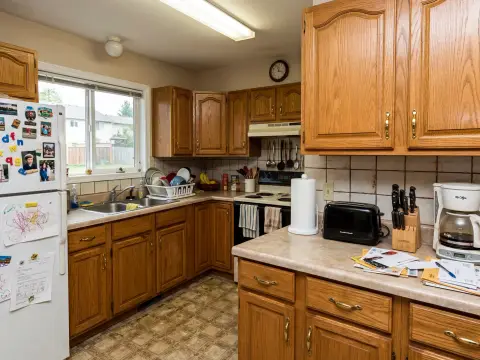
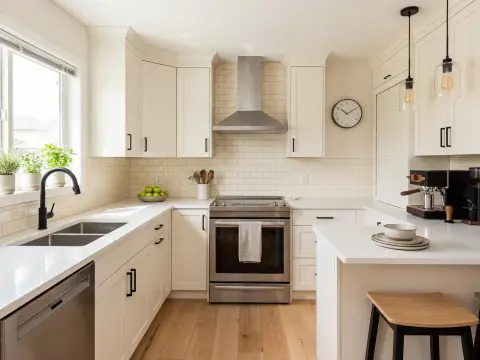
Tests cabinet color, lighting, and surface direction before spending money on samples or renderings.
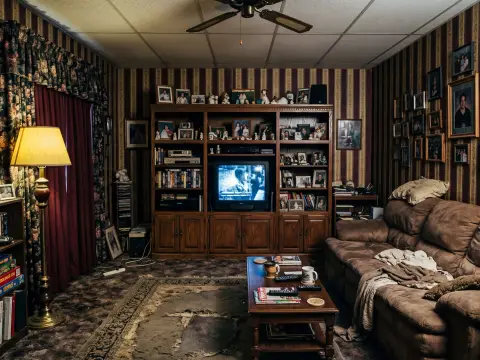
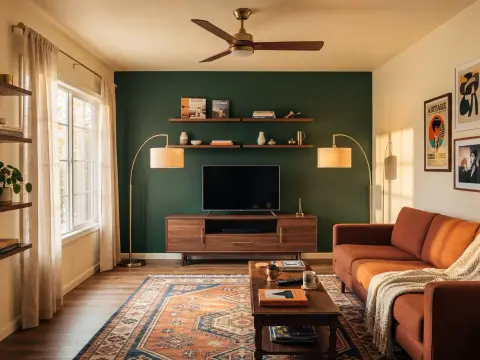
Turns a vacant listing photo into a buyer-friendly presentation while keeping the architecture clear.
Compare several styles on the same room before buying furniture, paint, lights, or materials.
Create listing-ready design directions for vacant rooms, stale photos, and investor presentations.
Test facade color, door color, landscaping, porch, patio, and yard ideas without a full render workflow.
Generate consistent references for style articles, creator briefs, client moodboards, and renovation notes.

"We were stuck between Japandi and organic modern. Running the same living room through four options made the wrong direction obvious before we bought furniture."

"The useful part is the repeat loop. I can stage a room, try a warmer version, and keep the options in one notebook for the seller."

"The lab framing is practical. I can treat each style as a hypothesis instead of pretending one AI render is the final answer."

"I used it for the patio and guest room. It helped us decide which upgrades would photograph well for short-term rental guests."

"I do not need a perfect render for every early idea. I need fast visual options, notes, and a way to rerun the same room in a new direction."
The tool is for fast visual exploration. It helps you compare directions, not replace contractor drawings or professional design judgment.
Yes. New accounts start with 5 free experiment credits after sign-in. You can upload or choose a sample before signing in. Free results are previews for deciding whether the direction is useful.
An experiment starts with one uploaded image and one chosen style. You choose 1, 2, or 4 candidates per photo, and each candidate uses 1 credit. Batch mode can queue up to 6 photos, so you can compare several rooms without starting over.
Yes. The first version covers interior rooms, exterior facades, yards, gardens, patios, and real estate listing photos. Use the mode selector after upload.
The prompt asks the model to preserve walls, windows, doors, camera angle, and major structure. Some generated ideas can still drift, so the result should be treated as a planning concept, not construction documentation.
No. The tool is for exploring directions quickly, comparing styles, and preparing references for a real decision. Contractors, designers, and local code requirements still matter for actual renovation work.
Uploads are used to run the experiment, store results for account access and support, and prevent abuse. You can request deletion by email, and deletion requests are processed within 30 days.