AI Interior Lab vs RoomGPT
A practical comparison of AI room redesign workflows, multi-scene coverage, repeat experiments, and where AI Interior Lab differs.
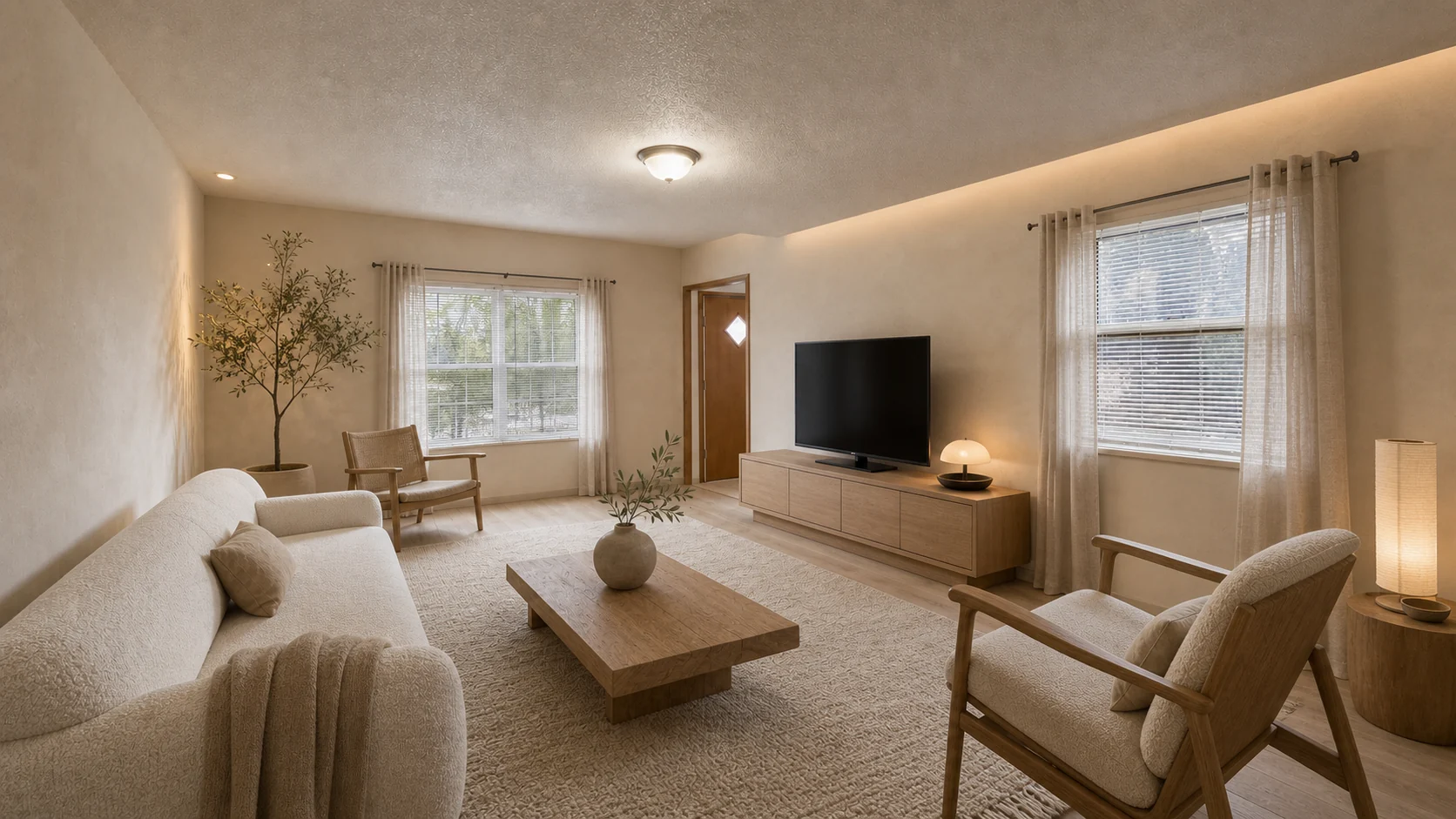
RoomGPT made the idea of uploading a room photo and trying an AI redesign feel simple. That simplicity still matters. Most people do not want a setup wizard before they know whether an AI room design tool can help.
The problem appears after the first image. A single generated room can look impressive and still fail to answer the real question. Should you buy lighter furniture? Does Japandi fit the room? Would a warm modern direction photograph better for a listing? Can the same photo work as an exterior, garden, or staging experiment?
AI Interior Lab is built around that second step. The user uploads once, chooses a direction and what must stay, compares candidates, then marks local changes and creates a new version from the strongest result.
Where a simple room generator works
A basic AI room generator is useful when the decision is low stakes. If you only want a quick idea for a bedroom wall color, a single output can be enough. It helps you see a mood, not a plan.
That workflow breaks when you need comparison. Interior design decisions usually involve tradeoffs: light versus dark, calm versus expressive, resale versus personality, budget versus finish quality. One image does not show that range.
Why we support multiple candidates
Multiple results make the output more honest. One candidate might distort the room, overfill the space, or choose furniture that feels unrealistic. A small set makes it easier to reject weak ideas and notice the direction that actually fits.
This matters for homeowners, but it matters even more for real estate staging and client work. A seller may reject a style that looks too personal. A renter may want something less permanent. A designer may need multiple references for a first conversation.
Multi-scene coverage is the bigger gap
Many tools focus on furnished rooms. AI Interior Lab launches with interior, exterior, garden, and listing scene modes because the search demand is not limited to bedrooms and living rooms.
Exterior and garden photos have different failure modes. The AI should preserve the house structure, entry, windows, and yard shape. A patio idea that ignores the existing slope is not useful. A facade color concept that changes the roofline is not trustworthy. We still show results as concepts, but the prompt is written to keep structural intent visible.
Honest limits
AI Interior Lab is not a substitute for measurements, local codes, contractor review, or a professional interior designer. The tool can suggest a look, palette, and direction. It cannot guarantee that a cabinet size exists, that a wall can move, or that a listing photo follows every MLS rule.
The useful promise is narrower: upload a real photo, compare several directions quickly, keep notes, and decide what is worth exploring next.
When to use AI Interior Lab
Use it when you need to compare design directions before spending money. Use RoomGPT-style tools when a single inspiration image is enough. Use a human professional when the decision involves construction, safety, budget control, or high-value client work.
The best workflow is not AI replacing judgment. It is AI giving you enough visual evidence to ask better questions.
Test the direction on your own room
The guest path creates one public, watermarked 1K preview after explicit consent. Sign in and use Credits when the room needs to stay private or you want to refine versions.
Open Studio